
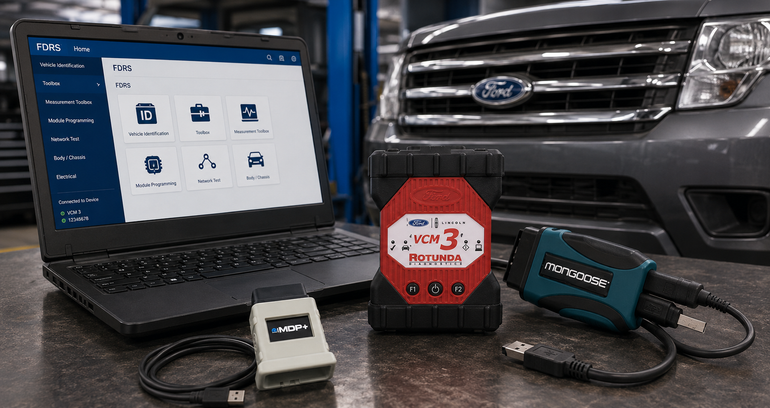
Every collision repair professional has run into a position statement that reads something like this one from Ford Motor Company:
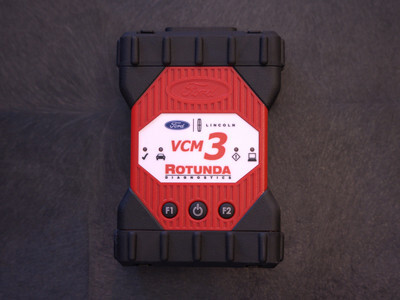
"Proper Tools & Procedures: Software: IDS (1996–2018 vehicles), FDRS (2018-onwards). Hardware: VCMII, VCM3, or J2534-compliant interface. Adherence to all Ford Motor Company original equipment repair procedures and calibrations per the workshop manual is critical for a complete and safe repair. Please refer to the Ford Motor Company Workshop manual for repair procedures."
— Ford Motor Company Position Statement
That single paragraph is the whole argument for OEM scan tools in one sentence. When a repair goes to litigation, the question an attorney or an insurance adjuster will ask isn't whether the vehicle drove fine after the shop worked on it. It's whether the shop used the tools and procedures the manufacturer specified. If the answer is a generic scanner and a workaround instead of IDS or FDRS on a Ford VCM 3 or a genuine J2534 interface, that shop is now defending a decision instead of pointing to a documented, OEM-compliant repair. The tool isn't a preference. It's the paper trail that proves the repair was done right.
The tool isn't a preference. It's the paper trail that proves the repair was done right.
Why Setting Up OEM Software Yourself Is Its Own Job
Knowing you need Toyota Techstream, Ford FDRS, or Stellantis wiTECH is the easy part. Actually getting one of these running cleanly on a shop laptop is where most technicians lose a weekend.
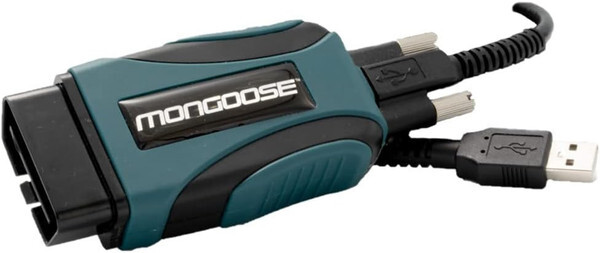
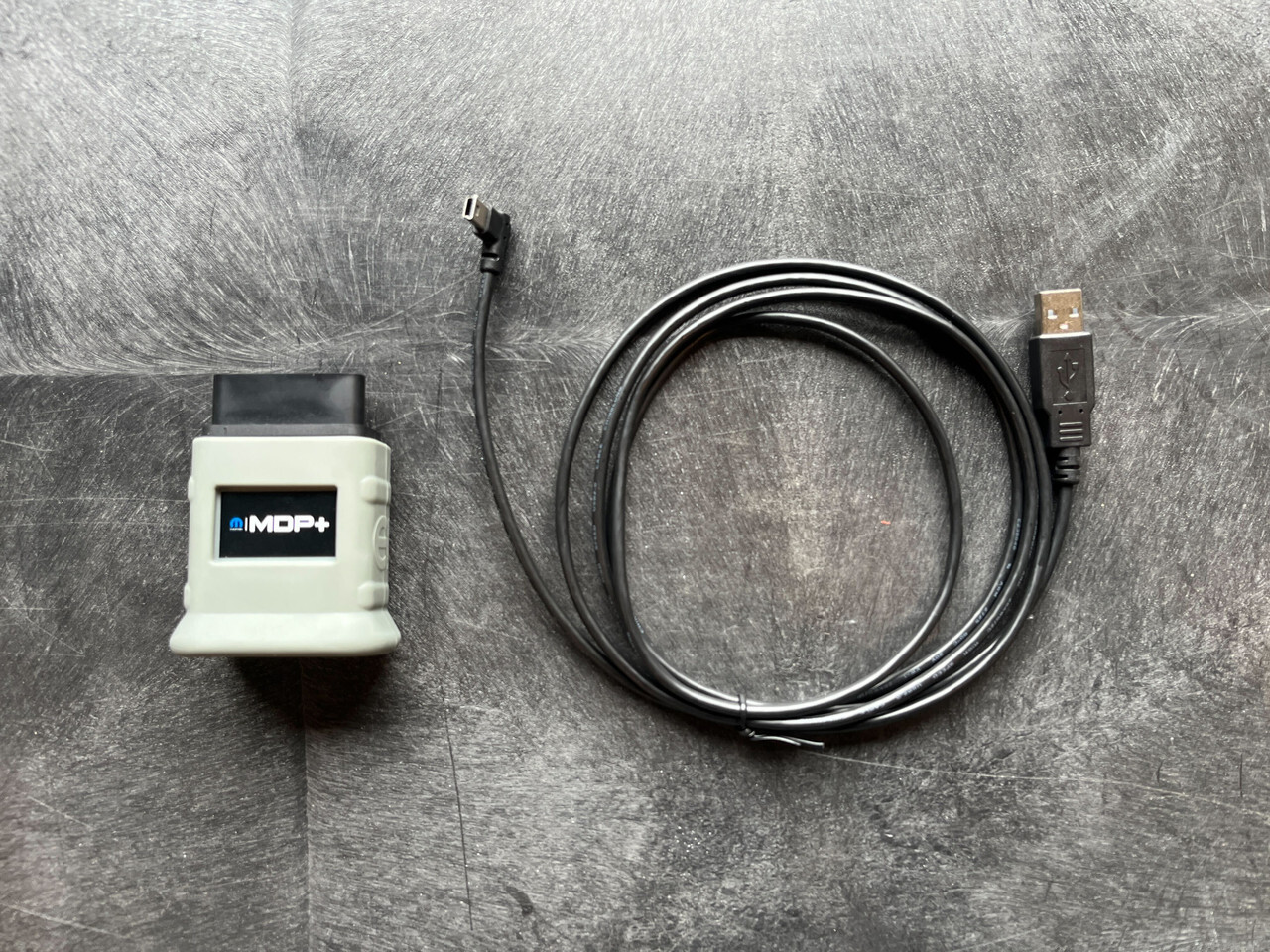
Factory VCIs and a correctly configured laptop — the difference between a repair and a weekend lost to drivers.
The first wall most people hit is software conflicts. OEM diagnostic programs frequently share overlapping drivers and Windows runtime components, so installing more than one brand's software on the same machine often leads to crashes or specific modules refusing to connect. The usual fix is isolating each program on its own virtual machine or a separate installation entirely, which is more IT work than most shops signed up for.
Then there's the interface itself. Factory software depends on a compatible pass-thru device to talk to the vehicle, and generic or cloned cables frequently fail to establish a connection. Pair that with the wrong USB drivers and the laptop won't even recognize the hardware, before you've gotten anywhere near a calibration or a module program.
The operating system adds another layer of friction. Most OEM software is built for a specific Windows environment, typically Windows 10 or Windows 11 Pro. Home editions, missing .NET framework dependencies, or an outdated OS version will block installation outright, no error message required. On top of that, a lot of this software needs to run with administrator privileges to load its databases or communicate through COM ports properly, and a laptop that's underpowered — whether that's the processor, the RAM, or running a traditional hard drive instead of an SSD — or one with overly aggressive antivirus settings, can cause installation files to fail without an obvious explanation.
Even once the software installs, licensing is its own hurdle. You need an active, paid subscription, often structured on a time-limited or token basis, purchased directly through the manufacturer's own portal, such as Toyota's Technical Information System. Without a valid login and license string, vehicle coverage stays locked no matter how correctly the software was installed. And because so much of this software now depends on constant cloud authentication, a stable internet connection isn't optional either, especially when you're working through a security gateway unlock or a programming event.
Let ADAS Depot Build the Laptop for You
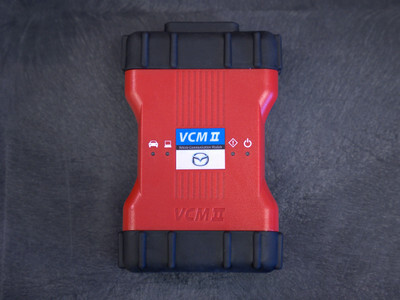
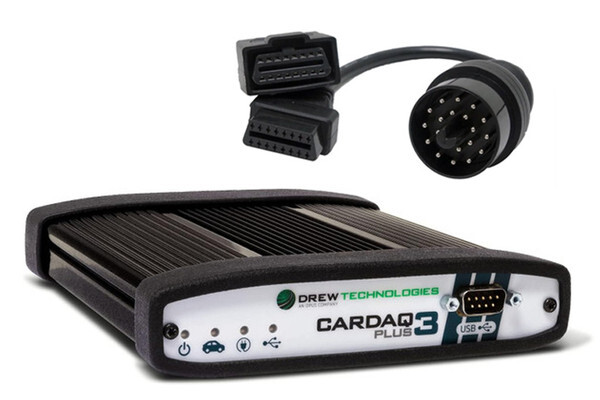
None of that has anything to do with fixing cars, which is exactly why ADAS Depot now offers custom-built laptops with OEM software preinstalled. Tell us which brands you need — whether that's the Ford VCM 3 for IDS and FDRS, the Mongoose-Plus MFC3 for Toyota Techstream, the Mopar Diagnostic Pod Plus for Stellantis wiTECH, or the Mazda VCM II Kit — and we handle the setup: the right OS configuration, the right drivers, the right hardware specs, and a machine that's ready to run the software it needs to run without the trial and error. For shops that need one interface to cover several makes at once, the Opus IVS CarDAQ-Plus 3 is a solid multi-OEM J2534 option we can build around as well. You can browse our full lineup of OEM VCIs and J2534 hardware any time. You get a laptop built for the job instead of a laptop you have to fight with before you can start one.
Support Doesn't End at Purchase
OEM software licensing doesn't stop being a moving target after the sale, so neither does our support. ADAS Depot offers support plans to keep your laptop running the way it should, and we'll send you reminders before your subscriptions expire so a lapsed license never catches you mid-repair.
Stop wrestling with drivers and licensing portals.
Reach out and we'll build the laptop your OEM software actually needs.
Build my laptop →